Stop translating your site one post at a time.
Unlike Polylang, which requires manual post management and paid upgrades for machine translation, Bablic delivers fast, automated, full-site translations on any platform.
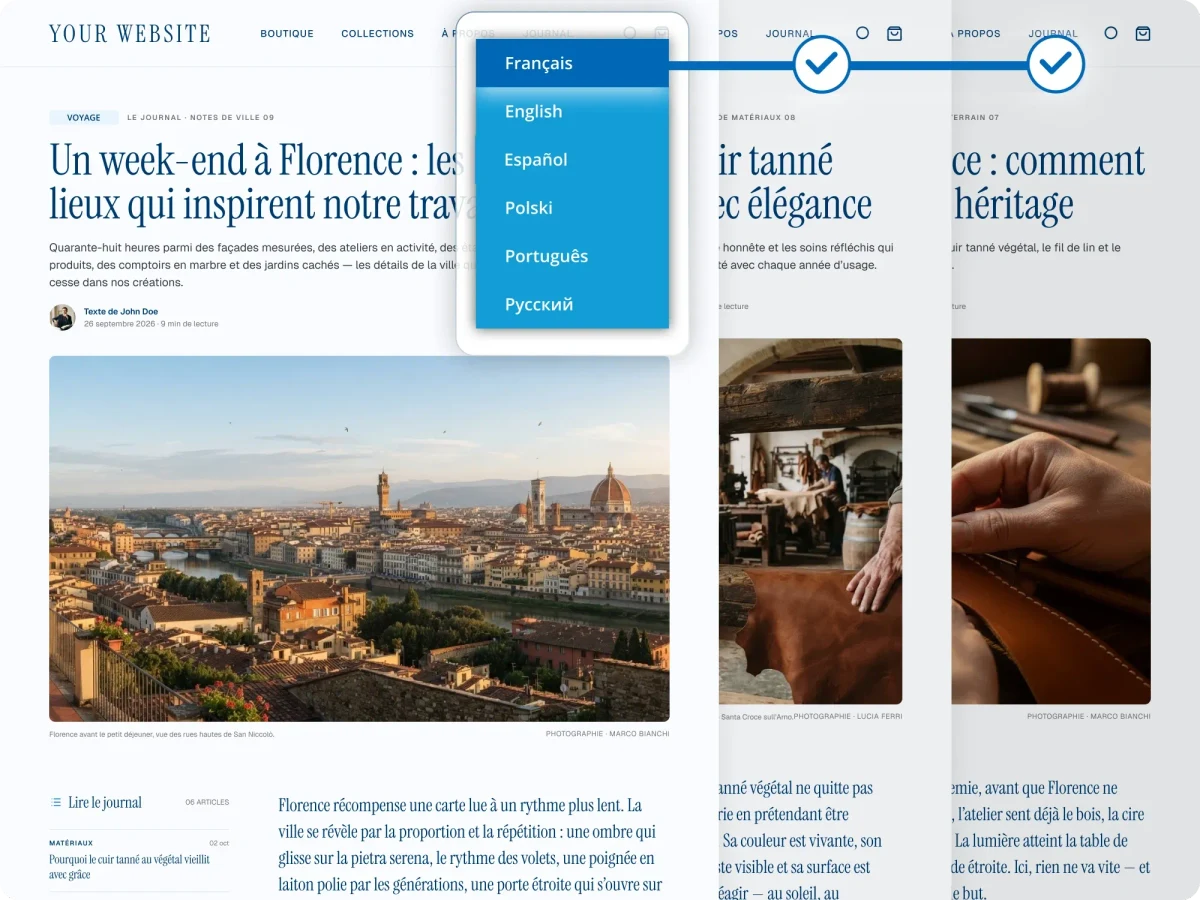

How do Bablic and Polylang compare?
Polylang and Bablic can make a WordPress site multilingual, but they work very differently: Polylang has you build each translation as its own post, while Bablic translates your live site automatically.
Machine translation produces the first pass across every page Bablic detects.
Requires your own DeepL API key and translates one post or page at a time. The free version is manual.
Edit translations in context, fix layout, and swap images and assets per language.
Translations are edited in the post editor, with no front-end visual editor.
Theme strings and the content your page builder renders are detected and translated.
DeepL translation doesn't work with Elementor, Divi, or the Site Editor.
Product pages, cart, and checkout copy are translated with the rest of your site.
Requires Polylang for WooCommerce, sold separately from Polylang Pro.
One account covers WordPress, Shopify, Webflow, Wix, Squarespace, and custom sites.
Polylang and all of its add-ons are WordPress plugins.
One post for every language.
With Polylang, every translation is its own WordPress post or page, created and linked in the WordPress admin. Ten pages in five languages means fifty posts for your team to create and maintain, and every edit to the original has to be carried across to each translation.
Bablic translates your live site automatically, so there are no duplicate posts to create or keep in sync. Your team refines the pages in the visual editor as they are seen on the page.
The hidden cost of a free plugin.

Free to install. Not free to run.
Polylang's core plugin is free, but machine translation requires Polylang Pro and a DeepL API key you pay for separately. WooCommerce stores need the paid Polylang for WooCommerce add-on. And every translated post is still created and maintained by your team in the WordPress admin.
One plan, one price.
Bablic pricing is based on the traffic your site receives, not the words on it. Machine translation is built in, so there's no separate API key to buy, and one install covers your whole site, WooCommerce storefront included.
What switching looks like.
Moving from Polylang to Bablic doesn't require downtime. Your Bablic account runs in parallel with your existing WordPress site. Translations can be reviewed and refined before you make anything live. Your site keeps running throughout, and you only publish when you're fully satisfied with the result.
Backed by  .
.
Most localization tools are built by software companies that learned translation along the way. Bablic, on the other hand, is built by TransPerfect: the world's largest translation company, with 30+ years serving global enterprises across every industry and language pair imaginable.
Frequently asked questions.
The core Polylang plugin is free on WordPress.org, with translation done manually. Machine translation, translated URL slugs, and XLIFF import and export require Polylang Pro, and WooCommerce stores need the separate Polylang for WooCommerce add-on. Bablic includes machine translation, with pricing based on traffic.
Only with Polylang Pro, through a DeepL integration that requires your own DeepL API key. Content is translated one post or page at a time, and DeepL translation doesn't work with Elementor, Divi, or the Site Editor.
No. Polylang translations are created and edited in the WordPress admin, one post at a time. Bablic's visual editor lets you edit translations on the live page, so every change is visible in context as you make it.
Yes! Polylang and its add-ons are WordPress plugins. If you ever move to a different CMS, your translation setup needs to be rebuilt. Bablic works across any CMS, so one account can cover your WordPress site, a Shopify storefront, a Webflow landing page, or a custom help center.
Yes! Bablic runs in parallel with your existing WordPress setup. You can review and refine translations before anything goes live, and your site keeps running throughout the process. You only publish when you're fully satisfied with the result.
Translate your whole site, not one post at a time.
Start your free Bablic trial and leave duplicate posts, separate API keys, and WordPress dependency behind.