More than a basic
translation plugin.
While GTranslate offers quick, rigid automation, Bablic automates translation with full visual control. Fix layouts, swap media, and refine every detail. Make every global experience look exactly as intended.

How do Bablic and GTranslate compare?
GTranslate and Bablic both translate your website, but when it comes to brand consistency and the level of control you have over your multilingual content, they are very different tools. Here's an honest look at what each platform offers:
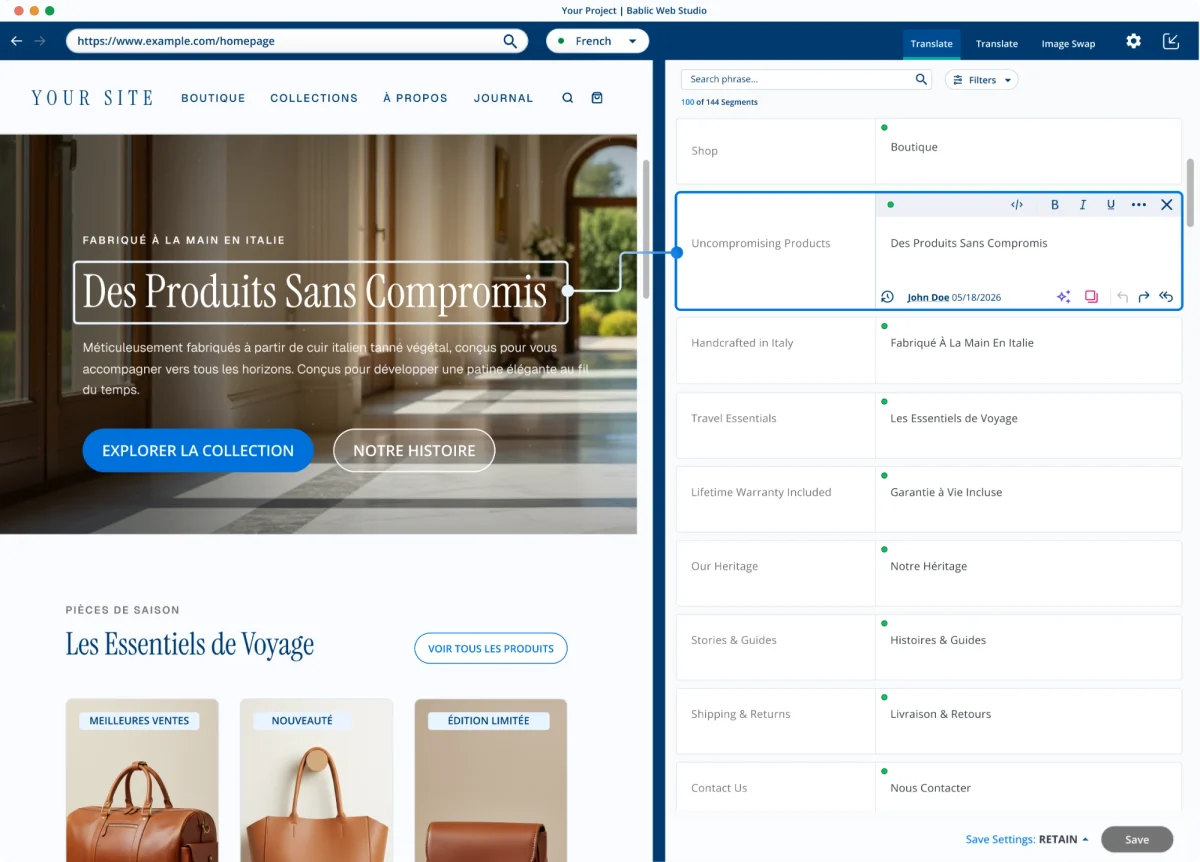
Features a dedicated workspace to edit layout bugs, rewrite CSS, and shift spacing directly.
Includes an inline text editor to fix phrasing directly on the page, but lacks styling or code controls.
Allows you to natively swap out images, form parameters, and PDFs per language.
Focuses entirely on textual website translations without a mechanism to swap native media assets.
Built for internal teams or hired vendors. Includes team invitation access, advanced glossaries, translation memory, and a dedicated workspace to manage manual post-editing.
Provides standard cloud hosting proxy features and a basic editing dashboard, but no deep pipeline tools.
Dynamically sources and switches between leading global enterprise machine translation systems.
Utilizes Google NMT, Bing, and AI language models for its automated paid infrastructure.
Leverages identical tier-one tech for high-accuracy automated drafts out of the box.
Paid tiers offer strong baseline neural accuracy for core global languages.
Control how your site looks in every language.
Translating into languages with longer words can easily create layout problems: text overflowing margins, menus breaking across multiple lines, or buttons that no longer fit their containers. With GTranslate, you have no control over how translated content renders on your site.
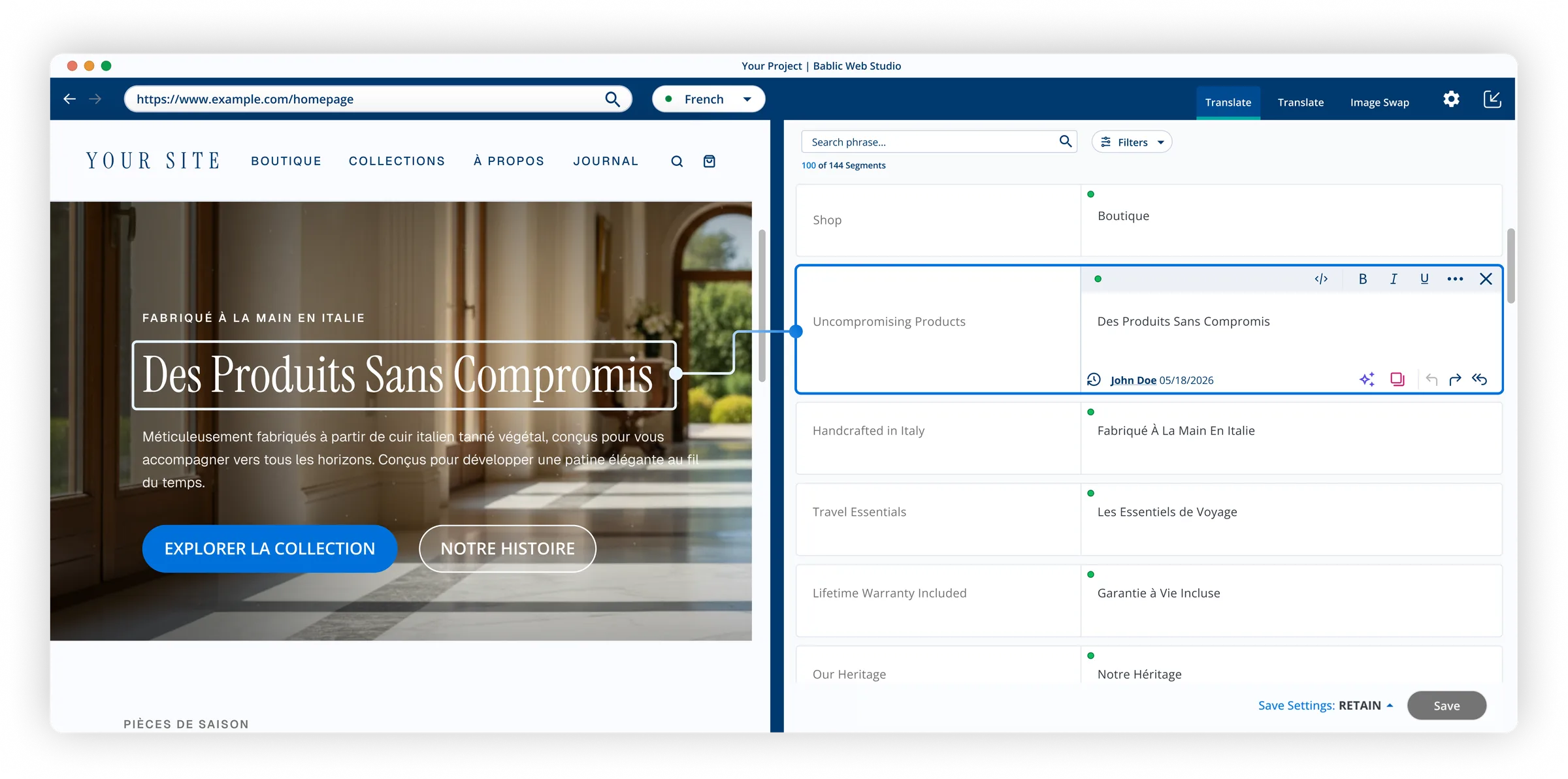
Bablic's visual editor lets you fix these issues directly with no code required. You see exactly how each translated page looks and can make adjustments until your site looks professional in every language.
What switching looks like.
Moving from GTranslate to Bablic doesn't require downtime. Your Bablic account runs in parallel with your existing site. Translations can be reviewed and refined before you make anything live. Your site keeps running throughout, and you only publish when you're fully satisfied with the result.
Backed by  .
.
Most localization tools are built by software companies that learned translation along the way. Bablic, on the other hand, is built by TransPerfect: the world's largest translation company, with 30+ years serving global enterprises across every industry and language pair imaginable.
Frequently asked questions.
No. Besides the clever name, GTranslate.io is completely unaffiliated with Google.
GTranslate gives you limited control over how translated content renders on your site. It includes an inline text editor to fix phrasing directly on the page, but lacks styling or code controls.
You see exactly how each translated page looks and can adjust it until it matches your brand in every language.
Bablic is backed by TransPerfect, a company that handles translation for global enterprises and Fortune 500 organizations. That means professional-grade MT as the baseline, plus localization expertise infused into every product decision.
Yes! Bablic runs in parallel with your existing setup, so you can review and refine every translation before anything goes live, with no downtime during the switch.
Flawless localization your brand can control.
Don't just automate your text. Start your free Bablic trial and take command of your visual layout, swap localized media assets, and polish your design in real time.